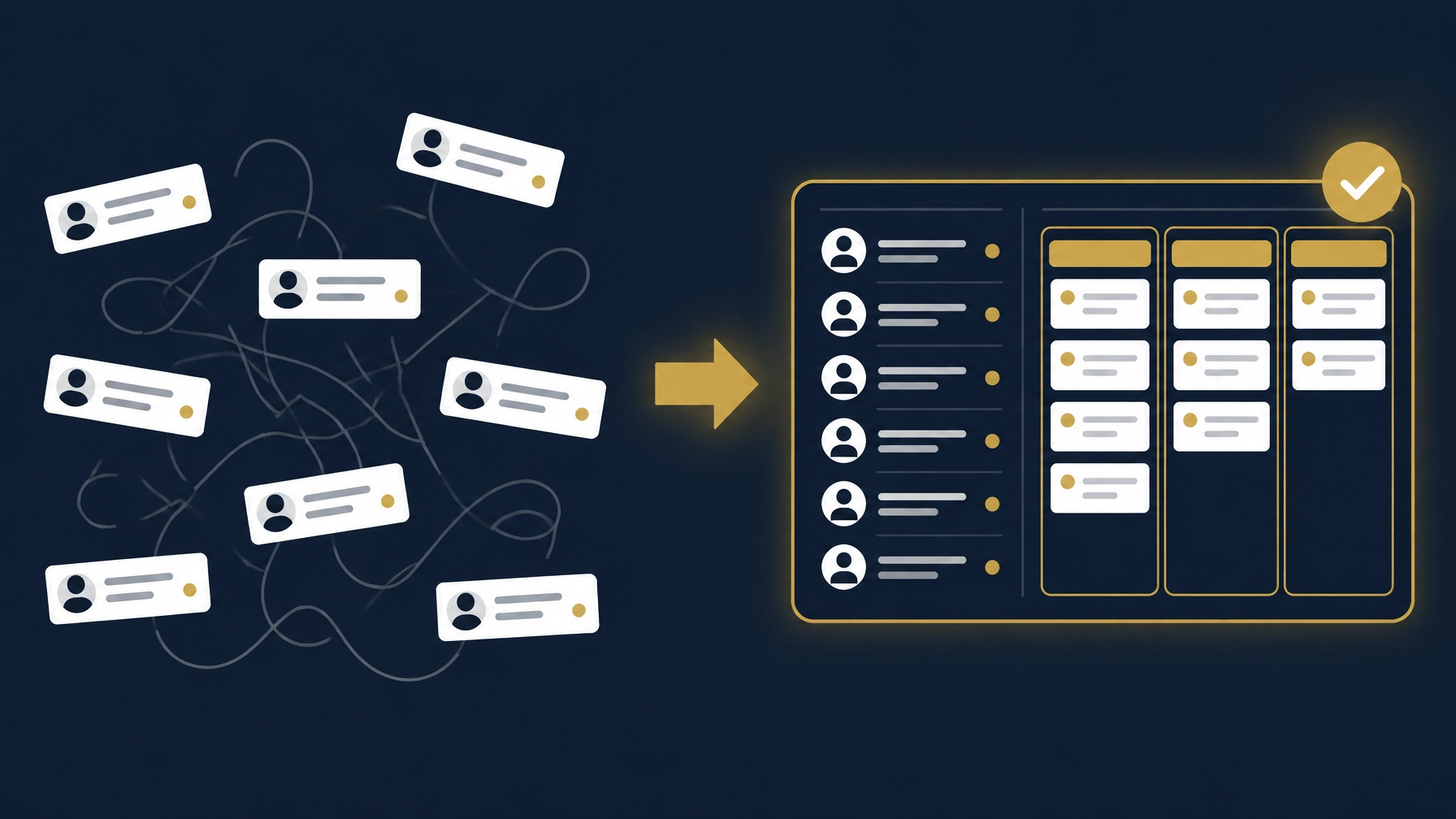
If customer follow-up is spread across an Excel file, salespeople’s phones, chat messages, and email, you may find yourself searching for the last call or asking who was supposed to contact a prospect. That does not automatically mean Excel is unsuitable. A well-organized spreadsheet may be enough. The decision depends on how your team works, who handles the data, and whether the next step for each customer is clear.
A CRM, or customer relationship management system, can bring customer records, deals, and activities into a shared workflow. But having a system does not by itself make follow-up reliable. It needs to fit your sales process, be usable by the team, and allow records to be reviewed. Start with these four questions before deciding.
Four questions to help choose between Excel and CRM
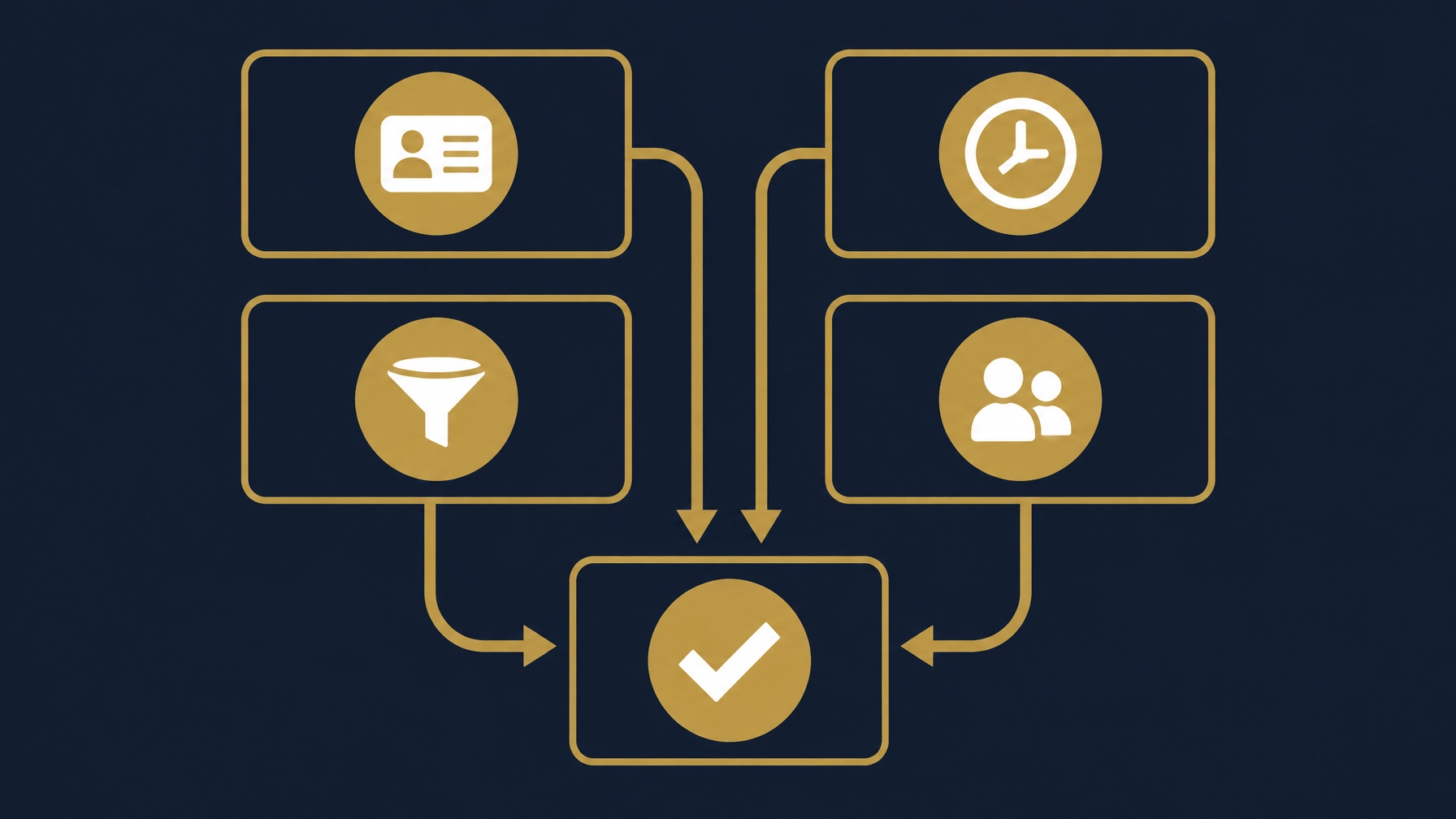
1. Where is your customer data, and who can see it?
If basic customer details are in a spreadsheet, the last conversation is on a salesperson’s phone, and the proposal is in email, ask whether an authorized colleague can find the full picture in a clear place. Is someone responsible for keeping each record current? Do viewing and editing permissions match each person’s role?
Even with one Excel file, check who edits it and whether you can trace changes to see what changed and who made the edit. When several people update records without a clear history, the team may rely on different information or an old copy.
When reviewing a CRM, ask how customer records can be imported, how duplicate entries are handled, and whether you can export records and activities in a usable format. Test searching for an older customer as well as adding a new record. The goal is a clear source of information, not simply moving a spreadsheet somewhere else.
2. Does follow-up happen through reminders or by chance?
After a call or a sent proposal, is the next step and its due date recorded? Or does each person rely on memory and personal messages? If a deal stalls because nobody remembered to follow up, the issue is not only the reminder. You also need to know who owns the next action, when it is due, and how it becomes visible to the team.
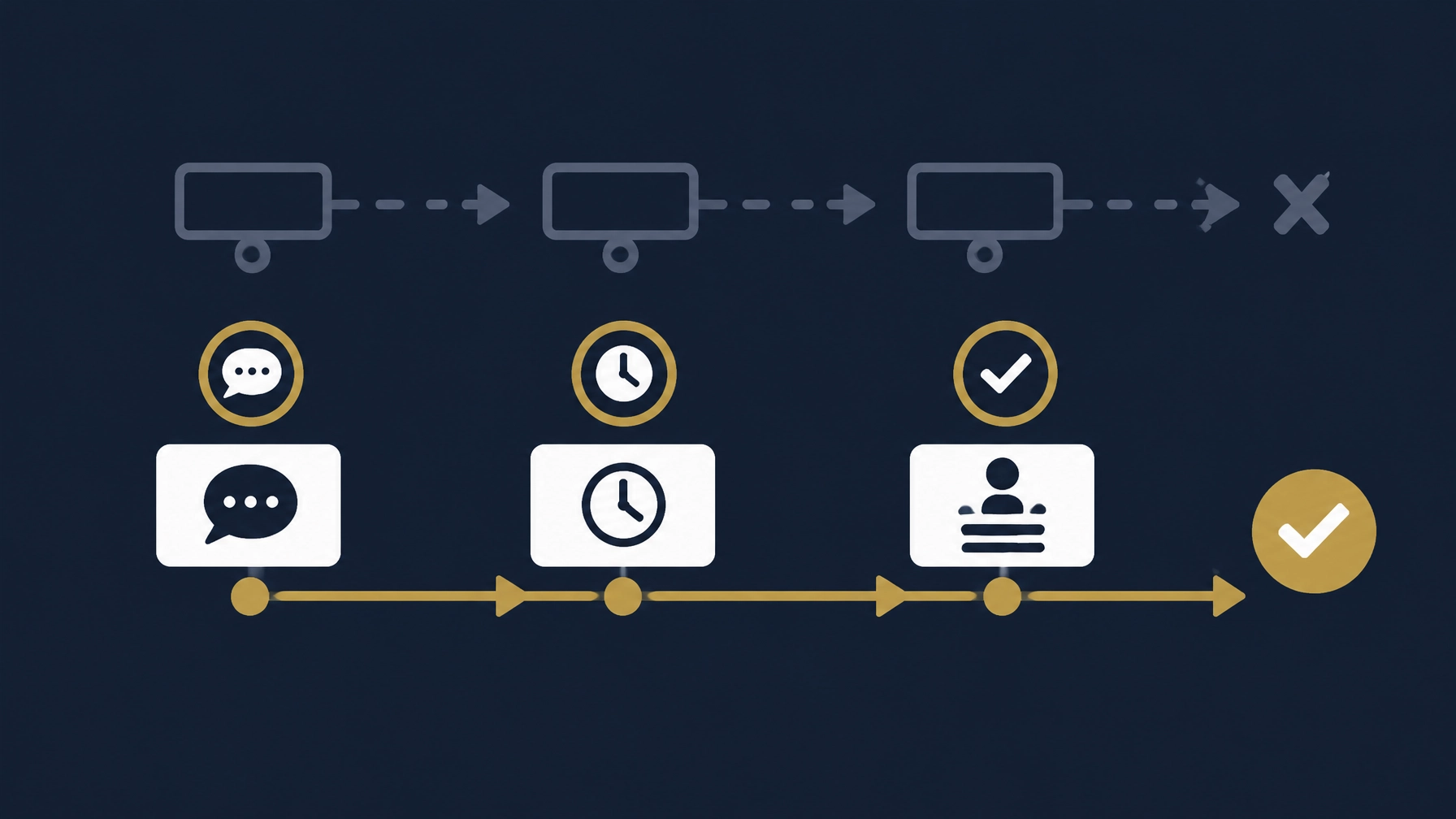
Whether you stay with Excel or use a CRM, try logging a call and assigning a next action, due date, and owner. Then check whether the responsible person can review due follow-ups and whether a manager can identify items needing attention without asking every salesperson individually. An automated reminder is of little use if the team has not agreed to record the next step.
3. How do you know each deal’s stage and who needs attention today?
A single status column in Excel may be enough when the sales process is simple and clear. But if team members define stages differently, or a sales manager needs to see what is stalled and what should happen next, agree on stages the team understands.
Test whether you can view deals by stage, owner, and follow-up date, and whether the latest activity and next action are visible. Ask how a deal moves between stages and whether the team can review why it changed. Do not rely on colors or a tidy-looking board if key information—such as the deal owner, last contact, or next action—is missing.
4. If a salesperson is away, who knows the status of their customers?
Imagine the person responsible for a customer is unavailable. Can an authorized colleague find the last conversation, proposal, deal stage, and agreed next step? Or is the information in a private message or account that the rest of the team cannot access?
Agree on how customer ownership is handed over and who the backup person is. Keep customer communications and permissions tied to work accounts. Test the handover without sharing passwords or giving the backup user access beyond their role. A system can organize information, but the team must also agree on what to record and who maintains it.
Connected or scattered data?
Using a CRM does not mean every tool has to move into one system. Ask where customer information is repeated: is it recorded in a CRM and then re-entered into a proposal or report? Does a change to a customer detail or deal stage appear where expected? Can you tell who corrected the information and when, before it affects a report?
Test a sample record from beginning to end. Change a field or stage, then review the effect on a connected proposal or report, if a connection exists. Check what changed, who reviews it, and what still needs human approval. Not every connection is appropriate, and not every update should move automatically; what matters is that the information path is understandable and reviewable.
If you are organizing several tools or reports, see our guide to preparing a reviewable monthly management report from Excel files. For a broader systems decision, read our guide to choosing an ERP or accounting system.
When can a simple Excel setup be enough?
Excel may remain suitable when there is one known master file, clear fields, a named person responsible for updates, a limited number of editors, and follow-ups are not getting lost across versions and messages. It helps to have a consistent way to name customers, record the last contact and next action with a due date, review edits, and keep an appropriate backup.
If several versions of a customer record appear, it becomes hard to tell who will follow up, or managers have to assemble deal status manually each time, review the workflow. You do not have to begin with a full migration. You can first organize the data and clarify stages and responsibilities, then decide whether a CRM fits.
For comparison, you can explore products such as Zoho CRM, Bitrix24, HubSpot CRM, monday CRM, and Odoo CRM. These are examples, not a ranking or recommendation. Features and terms differ; test each system against your sales workflow instead of relying on a general feature list.
Practical tests before choosing a system
Ask for a practical walkthrough using scenarios from your work, with a salesperson and a manager taking part:
- Add a customer and log a call and its summary.
- Move a deal between stages and check that its owner and next action are clear.
- Search for a customer added two months ago and review the interaction history.
- Test an absent salesperson handover: can an authorized backup continue without shared passwords?
- Export the data, open the file, and review which fields and relationships were included.
- Test what happens if the device or app loses its connection: can work continue, is there a fallback, and how are changes reviewed after reconnection?
Do not assume a CRM works without internet just because it has a mobile app. Test the functions you actually need and how delayed or conflicting updates appear. If offline operation is unavailable, agree on a clear fallback process until the connection returns.
How Basetaa helps
At Basetaa, we first understand the customer-follow-up workflow and the tools a company already uses. We then build, configure, customize, integrate, and automate business systems around that client’s needs. Basetaa does not own or sell a ready-made, off-the-shelf CRM product. Depending on the actual problem and agreed scope, the work may begin with organizing Excel data, configuring a suitable platform, or connecting existing tools. Final approval of changes or communications remains with the responsible person at your company.
Learn more about our approach on the Business Systems page. You can also compare this decision framework with our guide to choosing an HR system for a small business.
Frequently asked questions
What is the difference between Excel and a CRM?
Excel is a flexible spreadsheet that can work for organizing data and simple follow-up. A CRM usually structures customer records, deals, activities, and stages in a shared workflow. The practical difference depends on how the tool is configured, how many people use it, and how changes and follow-ups are recorded.
Does a small business need a CRM?
Not necessarily. If customer data is clear, follow-ups are recorded, and responsibilities are defined, Excel may be enough. Consider whether follow-ups are being missed, information is scattered, or handovers and deal reviews are difficult. Those operational questions can help you assess your needs.
What is a useful practical test before buying a CRM?
Test an end-to-end workflow: add a customer, log a call, move a deal between stages, find an older record, then hand the customer over to an authorized colleague and export the data. Also test what happens when the connection is lost if that is relevant to your work.
Does all customer data need to move into one system?
No. Choose a clear home for each type of data and define what should pass between tools. Before migrating, test a sample, field mapping, duplicate handling, export, and how edits will be reviewed.
If these decision questions sound familiar, start a conversation about your workflow on our Business Systems page.
Sources Checked
Pages checked on 11 November 2026. Product and pricing pages are primary sources for what each vendor states about its own product; they are not a Basetaa recommendation or a guarantee of fit for a specific company. Dated price details are kept in the separate competitive benchmark document, not in this article.
- Zoho CRM and pricing page — used to document general CRM features.
- Bitrix24, pricing, and the CRM activities import/export FAQ — used to document general CRM features and the vendor's own import/export limitations.
- HubSpot CRM and pricing page — used to document general CRM features.
- monday CRM and pricing — used to document the vendor's general terms relevant to testing before purchase.
- Odoo CRM and pricing page — used to document the vendor's general terms relevant to implementation, including its note that implementation services are not part of the subscription.