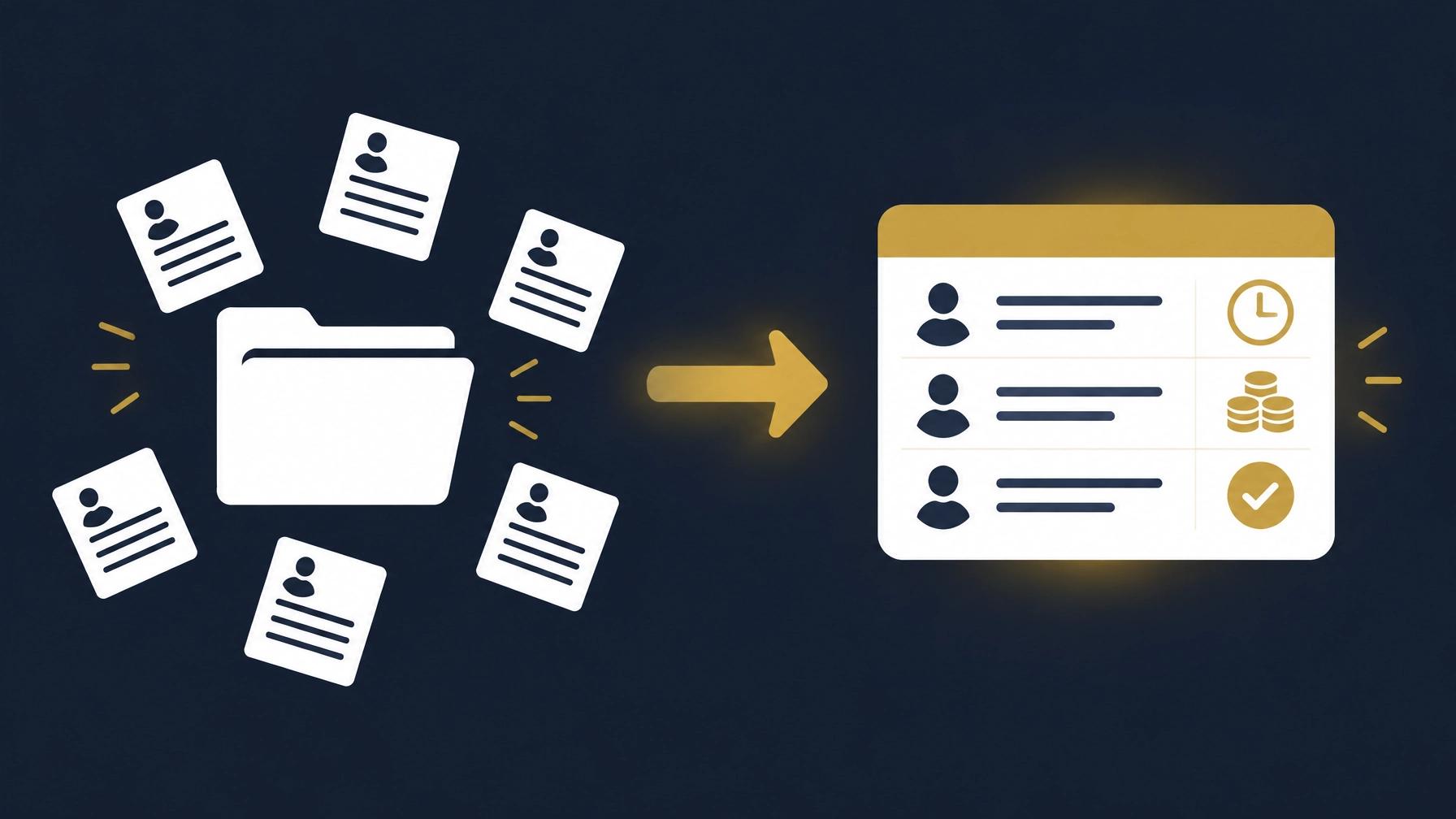
Managing employee information manually can work for a small business. A shared spreadsheet, a folder of documents and a clear process may be enough when the team is stable and one person can keep everything accurate and accessible.
The decision is not about reaching a particular headcount. It is about how the work runs: whether employee information is easy to find, attendance and leave can be checked, payroll inputs can be reviewed, and someone else can take over when the usual person is unavailable. These four questions can help you assess whether your current approach still fits.
Four Questions to Guide the Decision
1. Where do employee records live, and who controls them?
If employee details, job documents and changes are spread across spreadsheets, email threads, chat apps and personal folders, ask: is there one clear place to check for the latest record? Who is responsible for updating it? And who is allowed to see it?
A single file is not enough on its own if several people edit it without a clear way to see what changed and who changed it. On the other hand, if your records are organized and current, with a known owner, sensible permissions, and no re-entering of the same information in several places, you may not need a new system right now.
When reviewing any solution, check how employee details and documents are collected, who can view or edit each part, and whether changes can be traced. Also check how data can be exported if you decide to change systems later. The goal is a clear source of information, not just moving files around.
2. How are attendance and leave recorded and reviewed, and can a disagreement be resolved quickly?
If attendance is recorded in one place, leave requests sit in chat messages, and the final calculation lives in a separate sheet, ask how these records are matched. Can you tell who approved a leave? Is it clear how an absence or a late arrival was recorded? And if an employee disputes an entry, can you find who changed it and why?
The point is not that every difference disappears, but that handling it is clear: a log of entries and corrections, understandable review steps, and a way to submit and approve requests, instead of relying on someone's memory or an old message.
While testing a system, try cases from your work: a missing attendance entry, a correction after review, a leave request, and an alternate manager approving while the usual one is away. Check whether the status is clear to each person according to their role, and whether the team can understand what happened without guessing.
3. How do you calculate payroll when someone is absent or takes leave?
Review the steps of preparing payroll: who collects the variables? How do you handle an absence, a short-leave permission, overtime or a deduction? And how often do you re-check the numbers manually between the attendance sheet and the payroll file?
If salaries are fixed, changes are limited, and the calculation file is understandable and reviewable, your current approach may be fine. But if every month you gather information from different sources or re-enter it, ask the candidate system how the data moves, what is calculated automatically, and what still needs human input or approval. A feature labelled "payroll" is not enough on its own; test the calculation steps on cases close to your work.
Requirements differ by country, so confirm country-specific needs with the relevant authority in your market rather than assuming a general HR product covers them. Ask the vendor to explain what the system supports in your country, and test the settings with the person responsible inside your company before relying on them.
4. If the person managing HR is away, who knows what needs to happen?
If one person is the only one who knows where the files are, how leave is calculated and which payroll sheet is the latest, the work depends on individual knowledge that can stall when they are away. Ask: is there a backup person who can find the information and understand the steps? And are approvals and changes recorded somewhere an authorized person can review?
A system can help document procedures, distribute tasks and set permissions, but it is not a substitute for writing down the steps and assigning responsibilities. Try the scenario: can an authorized person follow up on a pending leave request or pull an attendance record without sharing passwords or reaching data outside their role?
When Information Is Connected Instead of Scattered
Employee records, attendance, leave and payroll inputs are related, even if a business currently stores them in different places. When a change is recorded in one file but not reflected in another, people may need to confirm which version is current before they can proceed.
The idea is not that every company must put everything into one system. What matters is knowing where data is duplicated and which handover needs manual work. Sometimes organizing the record and assigning an owner is enough; in other cases linking attendance, leave and payroll makes sense, especially when variables move between them every month.
When testing a connection, follow the information from start to finish: record a trial attendance or leave entry, see whether it appears where expected, and check who reviews it before it affects the payroll draft. Also ask what happens when an entry is corrected, and whether the correction is traceable. Linking reduces repeated entry when it is set up well, but it does not remove the need for review and approval.
For ideas on organizing reporting inputs and checking the result, see How to Turn Scattered Excel Files into a Reviewable Monthly Management Report. If the broader question is how systems should fit together, read How to Choose the Right ERP or Accounting System for Your SME in Egypt and the Gulf.
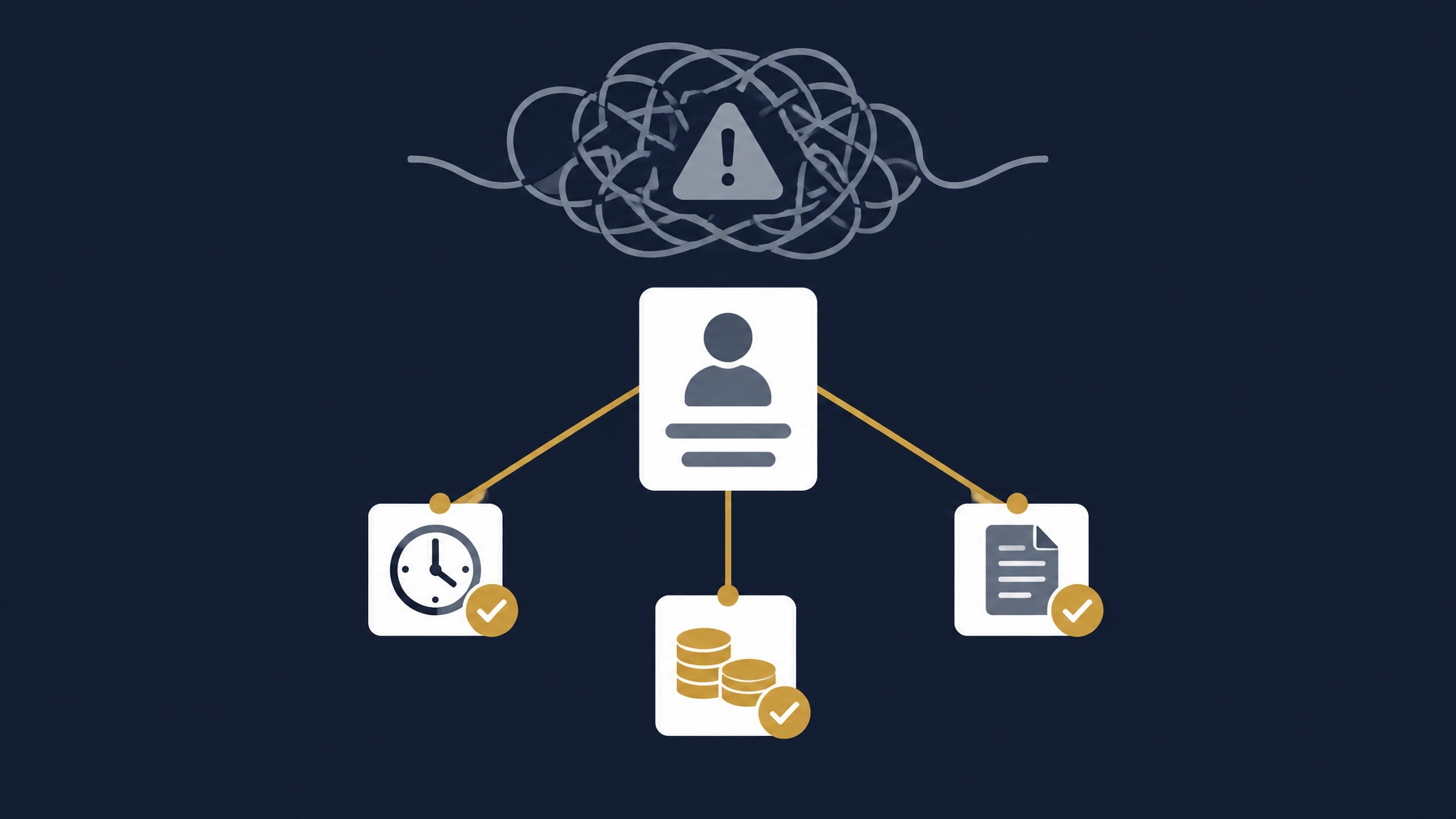
When Excel Files Are Still Enough
A spreadsheet may remain suitable when the employee list is straightforward, one person is responsible for keeping it current, access is appropriately limited, and attendance or leave does not require complicated handoffs. It also helps to have a clear process for reviewing changes, keeping a backup and handing the work over when needed.
Reconsider that approach when team members have to reconcile several versions of the same information, payroll inputs require repeated checking, requests are hard to track, or managers cannot get a dependable view without asking someone to assemble it manually. These are workflow signals to examine, not a rule tied to company size.
If you decide to look at ready-made options, examples include Zoho People, ZenHR, Stabee, AttendUX and Nova HR. They are examples for comparison, not a ranking or recommendation. Features and country coverage can vary by plan and over time, so check each provider’s current product information and test the tasks your team actually performs.
Practical Tests Before Choosing an HR System
Before committing to any system, test it with realistic examples from your own process. Have the people who handle HR, attendance and payroll take part, and check whether they can complete the steps, review a correction and find the final record.
Try scenarios such as a missed clock-in, an approved leave request that changes a payroll input, a manager reviewing a correction, and an HR administrator preparing a report. Confirm who can make changes, whether the system records them, and whether you can export the information in a usable format.
An important test: connection outages
Ask the provider what happens when the device or app loses its connection at check-in. Does the system record anything for later, or must the employee use a documented fallback process? If it reconnects later, how are duplicate or conflicting entries handled, and who reviews them before the record is used?
Do not assume that a mobile app works offline just because it can be used on a phone. Test the expected behavior, including how the team reports a missed entry and how an authorized person reviews it. If the provider does not support offline operation, make sure the fallback process is clear to employees and managers.
Also verify that the system fits the company’s language, approval steps and tools. If your company operates in more than one country, confirm the provider’s country coverage and check country-specific requirements with the relevant authority in your market.
How Basetaa Helps
Basetaa builds, configures and customizes business systems and integrations around each client’s workflow. We do not own or sell a ready-made, off-the-shelf HR product. We start by understanding how your company handles employee information, attendance, leave, approvals and payroll inputs, then assess which parts need organizing.
Depending on the workflow, the next step may be configuring existing tools, connecting systems or developing a more tailored solution. The scope should clarify exactly what will be done and how the company’s scenarios will be tested. Final approval remains with the responsible person in your company. Learn more about Basetaa’s business systems service.
Frequently Asked Questions
HR system vs Excel files: what is the difference?
Excel is a flexible way to keep records and can be sufficient for a simple process with clear ownership and review. An HR system may bring records, requests, attendance and approvals into a more structured workflow. The better fit depends on how the team works, how changes are reviewed and whether information needs to move between tools.
Does a 10-employee company need an HR system?
Not automatically. A company with a small team may manage records effectively with a straightforward process, while another may already be spending time reconciling attendance, leave and payroll inputs. Use the four questions above to assess the work involved rather than relying on a headcount threshold.
What is a useful practical test before buying any HR system?
Test a real end-to-end task that matters to your company, including an exception such as a missed attendance entry or a change to approved leave. Check that the record can be reviewed, corrected by the right person and traced through the next step. Test the connection-outage behavior too.
Must attendance and payroll be in one system?
No. They can remain in separate systems if the information moves reliably and the company can review and reconcile it. Before choosing, test the actual transfer process, identify who checks it and confirm that the required data can be exported or retrieved.
Sources Checked
Product and pricing pages checked on 11 November 2026. Vendor pages describe their own products; confirm current features and country coverage with each provider.
- Zoho People and official pricing
- ZenHR pricing, Egypt page and UAE page
- Stabee HR, pricing and FAQ
- AttendUX pricing
- Nova HR pricing
- Stabee HR FAQ — vendor-disclosed notes on connectivity and data handling (see the vendor's own wording on their page)
- UAE Government portal: employment laws and regulations in the private sector — UAE authority pointer for country-specific information (UAE-specific; not a source for other markets)
If any of these decision questions resemble your situation, start a conversation about your workflow on our business systems page.