
Choosing a new business system often starts with a long feature list and ends with software that does not match how your company actually works. The demo looked convincing, yet your team still records data in separate spreadsheets, or re-enters the same invoice in more than one place. The problem is not necessarily missing features; the selection may have started from the vendor's list instead of your company's real needs.
Before buying an ERP or accounting system, take the time to understand the processes you want to organize. The goal is not the largest number of tools, but a solution that helps your team work clearly and gives management information it can rely on.
The general rules in this guide apply whether your company is in Egypt, Saudi Arabia, the UAE or any other Gulf country. What differs from one country to another is mainly local e-invoicing requirements, the availability of local implementation and support, and the products most established in each market. Check your country's requirements and each vendor's support coverage before making a final decision.
Why This Decision Deserves Time
The system affects how transactions are recorded, how customers, inventory and receivables are tracked, how reports are produced, and how information moves between departments. If it does not fit your workflow, teams build workarounds, extra spreadsheets and repeated manual entry. The change itself becomes exhausting when data is not ready to migrate or the team is not properly trained.
So do not compare offers on feature counts alone. Assess how well each option fits your company's processes, and what it takes to implement, use and maintain it over time.
Step 1: Map Your Actual Workflow
Start by documenting what happens today, not what you hope will happen after the purchase. Pick your core processes: a customer inquiry all the way to an issued invoice, a purchase request through to payment, or stock movement until the balance updates.
For each path, note who performs each step, where the information is recorded, who reviews it, and what causes delays or repeated work. Note the exceptions too: a product return, an invoice edit, an expense approval, or an order that needs a manager's sign-off.
This exercise reveals whether your need is primarily accounting or also operational. One company may only need invoices, expenses and financial reports organized; another needs sales, purchasing, inventory, point of sale and HR connected in one flow.
Write a short list of your most pressing problems. Phrases like "we need a complete system" are hard to turn into testable requirements. "We want a sale to appear in the inventory record and the financial report without re-entering data" is a clearer need.
Step 2: Separate Must-Haves from Nice-to-Haves
After mapping the processes, sort your requirements into two groups: what the system cannot go live without, and what would be useful but is not a launch condition. The first group should reflect real problems and clear operational needs, not features that caught your eye during a demo.
Core requirements, depending on the business, may include:
- Recording sales and expenses and producing the reports the team needs.
- Tracking customers, suppliers and inventory, if they are part of daily operations.
- User permissions and approval steps for transactions.
- Connections to tools the company already uses.
- Exporting data in an understandable format if you decide to switch systems later.
Then ask the vendor or service provider to demonstrate real scenarios from your company: what happens from recording a customer order to recording the payment? How does a product return show up in inventory and reports? A practical test exposes gaps better than a feature tour.
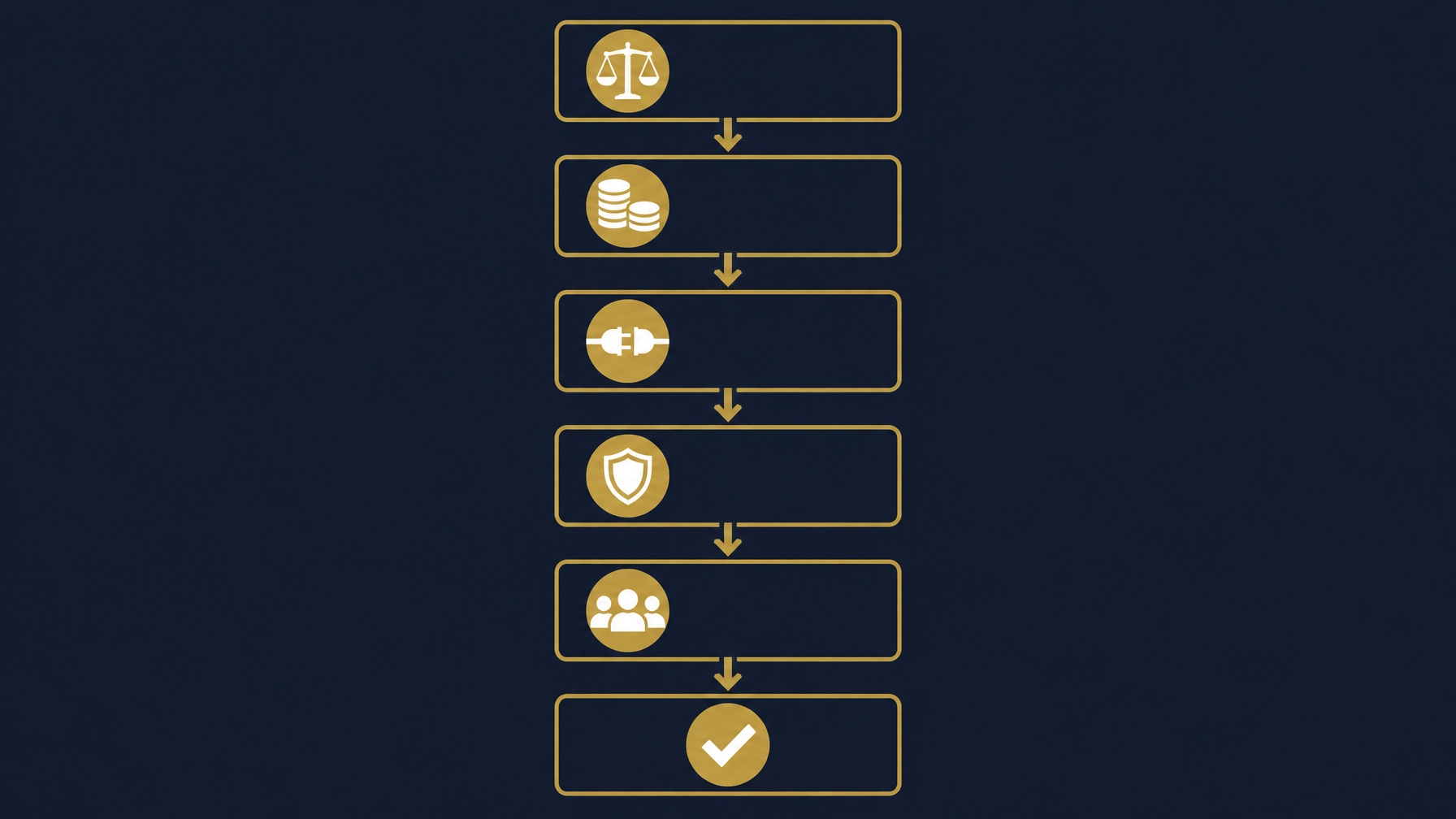
An illustrative diagram of system comparison criteria, not a screenshot of a real system.
Step 3: Look at the Full Cost, Not Just the Subscription
The monthly or annual subscription is not always the complete picture. Ask what the offer includes and what may be billed separately during and after implementation. Costs vary with users, features, add-ons and integrations, and may also include system setup, data migration, team training and support.
With off-the-shelf systems, the subscription is usually the clearest item, but check each plan's limits and whether your needs would require extra apps or services. With custom implementations, ask for a clear scope of work, deliverables, implementation phases and support terms before anything starts.
Ask every vendor to state in writing what setup, data migration, training and support are included, and what counts as additional work. Compare options on what you will actually receive, not on a single line of the offer.
Step 4: Check Integrations and Excel Data Migration
A system that cannot exchange information with your current tools creates extra work instead of reducing it. Check how it connects to email, point of sale, e-commerce or payroll, depending on what the company uses. Ask about the integration method, who handles errors, and whether data can be retrieved or exported when needed.
As for Excel files, do not assume migrating them means uploading them as they are. Customer and product names, account codes and balances may need cleaning and standardizing before import. Define what must be moved, request a test import with a sample, then review the results with the people who own that data.
It also helps to keep the original files available for review during the migration, and to reconcile key records after import rather than assuming everything moved correctly. If your monthly reporting currently depends on several spreadsheets, this practical guide to building a monthly management report from Excel files can help you think about organizing and reviewing data sources.
Step 5: Test Usability and Team Adoption
A system works only if the people who depend on it can use it in their daily jobs. Invite representatives from accounting, sales, inventory and management to try the tasks they actually perform. Watch the number of steps, the clarity of screens, how easily data can be reached, and what needs repeated explanation.
Ask about training, permission settings, and how help is provided when a problem appears. Each team should have a clear role in testing, and their feedback should be collected before rollout. Do not let a smooth demo replace a hands-on trial that reflects your company.
When Is Off-the-Shelf Enough, and When Does Custom Make Sense?
An off-the-shelf system can be the right choice when your needs are close to standard processes and its available features cover what you need without many workarounds. Examples of ready cloud systems companies can examine include Odoo, Zoho Books, Daftra and Wafeq. These are examples for exploring options, not a ranking or a general recommendation; check how each system fits your company's procedures and current requirements. E-invoicing requirements differ from one country to another, so check the official authority in your country and each vendor's current documentation before deciding, and confirm local implementation and support coverage.
Customization makes sense when a core workflow does not fit the off-the-shelf way of working, when the company depends on connected steps that are hard to manage across separate tools, or when a specific system-to-system link is needed. But customizing every detail is not a goal in itself; useful customization addresses a clear need while avoiding complexity that becomes hard to maintain.
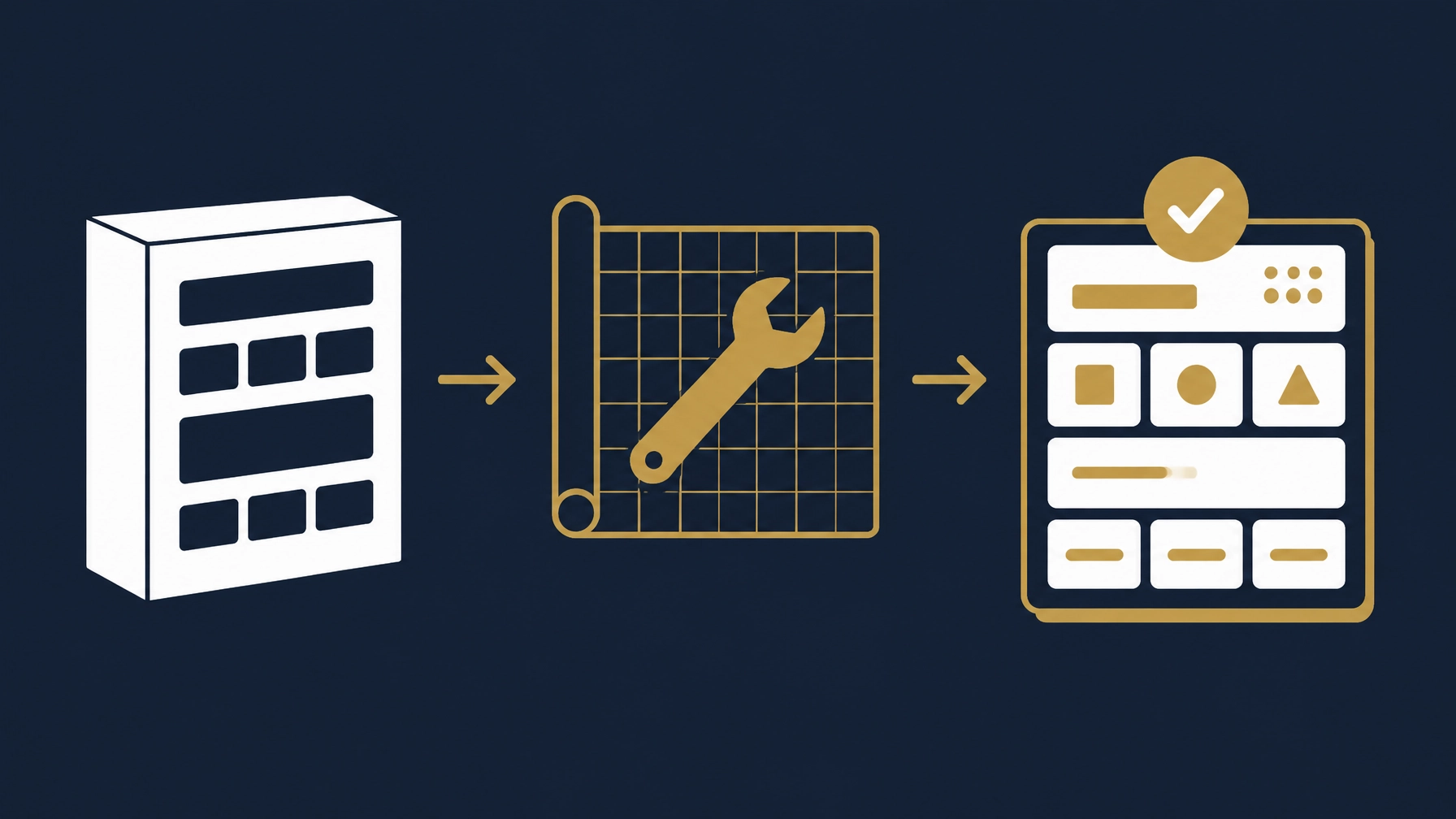
A conceptual illustration of system customization, not a product interface or a real screenshot.
How Basetaa Helps You Choose the Path
At Basetaa, we build, configure and customize business systems and integrations around the client's actual workflow, and we do not own or sell a ready-made off-the-shelf ERP. We start by understanding how the company works before proposing any system: the right answer may be an off-the-shelf system, one that needs configuration or customization, or no replacement of existing tools at all. The scope can cover ERP, POS, HR and CRM solutions, or preparing an existing system to fit the company's workflow.
The work starts with reviewing processes, users, data and required integrations, then defining a clear scope for what should be built, configured and tested. If the repetitive part of the work needs additional organization, custom AI assistant workflows can also be considered among the company's tools.
Frequently Asked Questions
What is the difference between ERP and accounting software?
Accounting software focuses on recording financial transactions and producing reports, while ERP typically connects accounting with other operations such as sales, purchasing, inventory and HR. A single product may combine some of these functions, but the scope differs from one solution to another.
Do small businesses need an ERP?
Not necessarily. If a company's needs are mostly accounting and limited in scope, suitable accounting software may be enough. ERP becomes worth considering when the company needs several processes connected, or when manual data re-entry between tools complicates operations. Choose based on the actual problem, not the size of the system.
How much does an ERP system cost?
There is no single cost that fits all companies. Subscriptions are common, and costs vary with users, features, add-ons and the scope of any custom work. Ask vendors what setup, data migration, training and support are included, and what may require additional cost.
Should I choose an off-the-shelf system or a custom solution?
Start by examining off-the-shelf systems if they cover your core processes without many workarounds. Consider customization when there are specific needs the ready system does not handle practically. Compare options through real business scenarios, and ask for a clear customization and maintenance scope before deciding.
Start From Your Workflow, Not the Feature List
Official sources checked
Checked on 11 November 2026 to confirm that e-invoicing requirements are market-specific. These links do not assert that any named product is compliant: