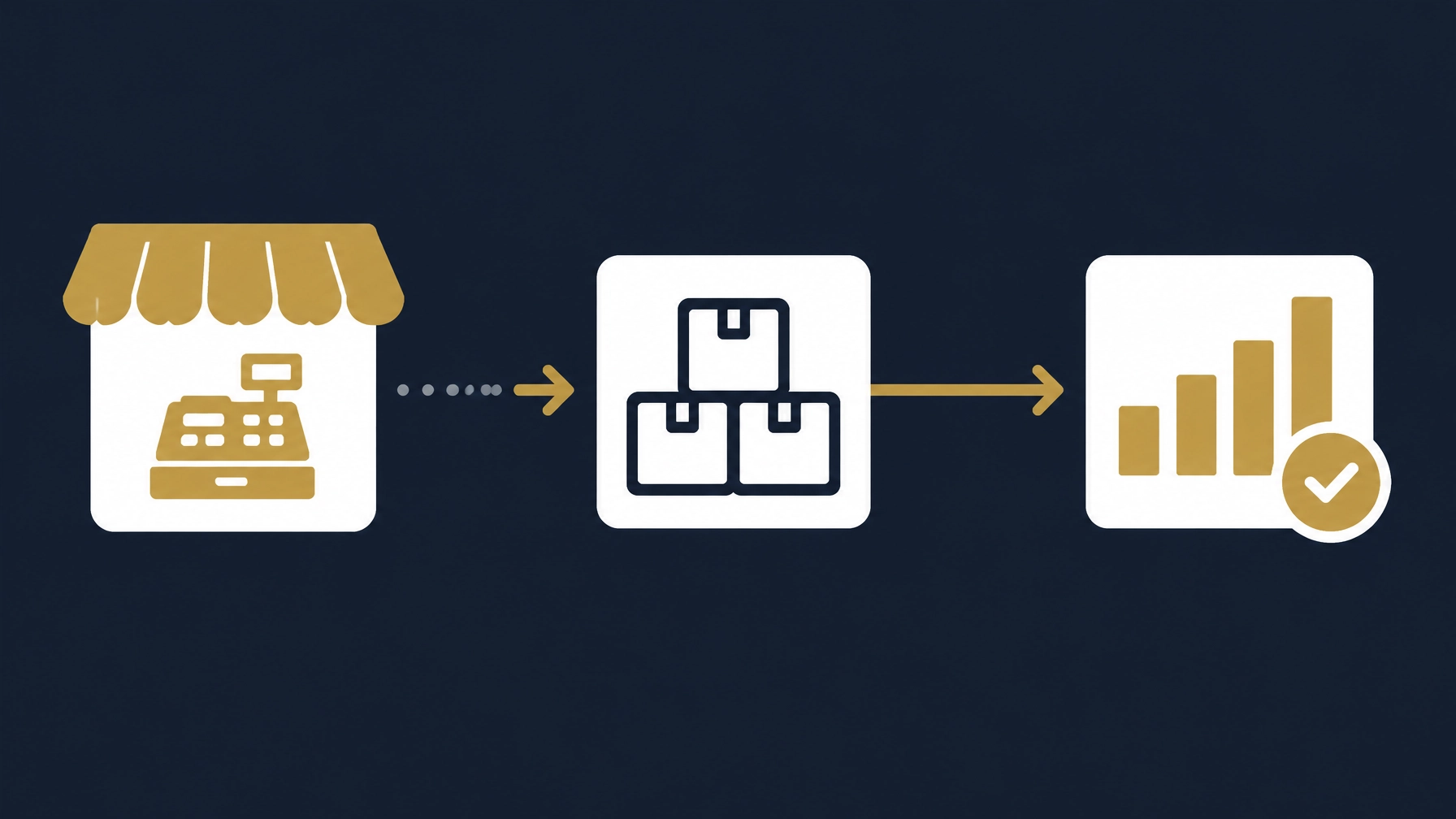
Before comparing vendors or watching demos, start with one useful question: which specific tasks in your shop take too long today, or go wrong more often than they should? This article will not push you toward any particular system. It walks you through a clear path: identify where your current workflow strains, decide what you need to test in any candidate system, and then decide based on your own day-to-day operations rather than vendor marketing.
A point-of-sale system is more than a machine that records amounts and prints receipts. When it is set up to fit the workflow, it can connect sales to stock movement and reports, and make branches, shifts and staff permissions easier to follow. But the value depends on how it is configured and how the team uses it, so a sound decision starts from your actual scenarios, not from a feature list.
A three-step framework to assess your real need
Step 1: Map your shop's workflow and record where things strain
Observe the shop over a normal period of operation, focusing on the information rather than the customer. For each core process, ask: where does it start and end, who records it, and where does the record live?
- Sales: from serving the customer to handing over the receipt, who records the transaction, and in what?
- Stock: how does item movement travel? Is a sale deducted from the balance, or does stock get reconciled from time to time?
- Shifts: how is a shift handed over and checked, and where do differences surface?
- Returns and exchanges: how often do they happen, and when one occurs, what actually happens to the record?
You do not need elaborate reports at this stage. The goal is to locate the points where data lags, gets duplicated, or produces differences, because those points determine whether a new system solves a real problem or adds complexity.
Step 2: Assess whether the current setup can keep up, with three questions
These questions indicate whether today's process will keep working or start to obstruct growth:
- If sales volume rises, or you open a second branch, will the current recording method hold the same accuracy? If the honest answer is more staff or more hours for the same task, the process is more manual than it should be.
- If someone asks you a simple question today about an item's movement or a shift's sales, can you answer promptly from one source? If answering means opening several books or files, the information is not connected.
- If a staff member is away for a day, can their work be covered under the current method? If the operation depends on one person who knows the prices or the recording routine, the problem is continuity, not effort.
If those answers are not comfortable, that is a sign worth investigating. It does not have to be a new system; sometimes reordering procedures or tidying the item list is enough.
Step 3: Test any candidate system with scenarios from your own shop
An important stage: any system, however well known, must succeed at your work. Before buying, prepare realistic scenarios and ask to run them yourself on shop equipment, not in a rehearsed demo:
- A return: record a sale, return the item, and see how it reflects in sales and stock.
- A shift close: open a shift, make a few sales, close it, and review the differences presented.
- A discount: apply one within a permitted role, then attempt one beyond the role, and observe the result.
- A stock count: compare recorded balances with a physical count of several items.
- A connection outage: disconnect the internet mid-sale, see what continues and what stops, then reconnect and watch the sync.
- Your hardware: the barcode scanner, printer and cash drawer you actually use.
Watch the person running the scenarios: are the steps clear on first use? Do the numbers come out right? Are the reports produced afterwards the ones you actually need?

*An illustrative concept, not a screenshot of a real system.*
An important test: connection outages
For systems that support offline operation, the limits and behavior differ from one system to another. "Works offline" does not mean the same thing everywhere: some systems record sales on the device itself and sync later; others block specific functions during the outage, such as refunds or showing stock levels.
Vendor documentation itself shows this difference. For example, Loyverse's offline-mode guide documents the boundaries of offline use in their system, including that some functions such as refunds and stock visibility are not available during an outage. So ask vendors these questions, and test them yourself: what is recorded on the device? How does staff identify transactions that have not synced? And what happens if the device restarts before the connection returns?
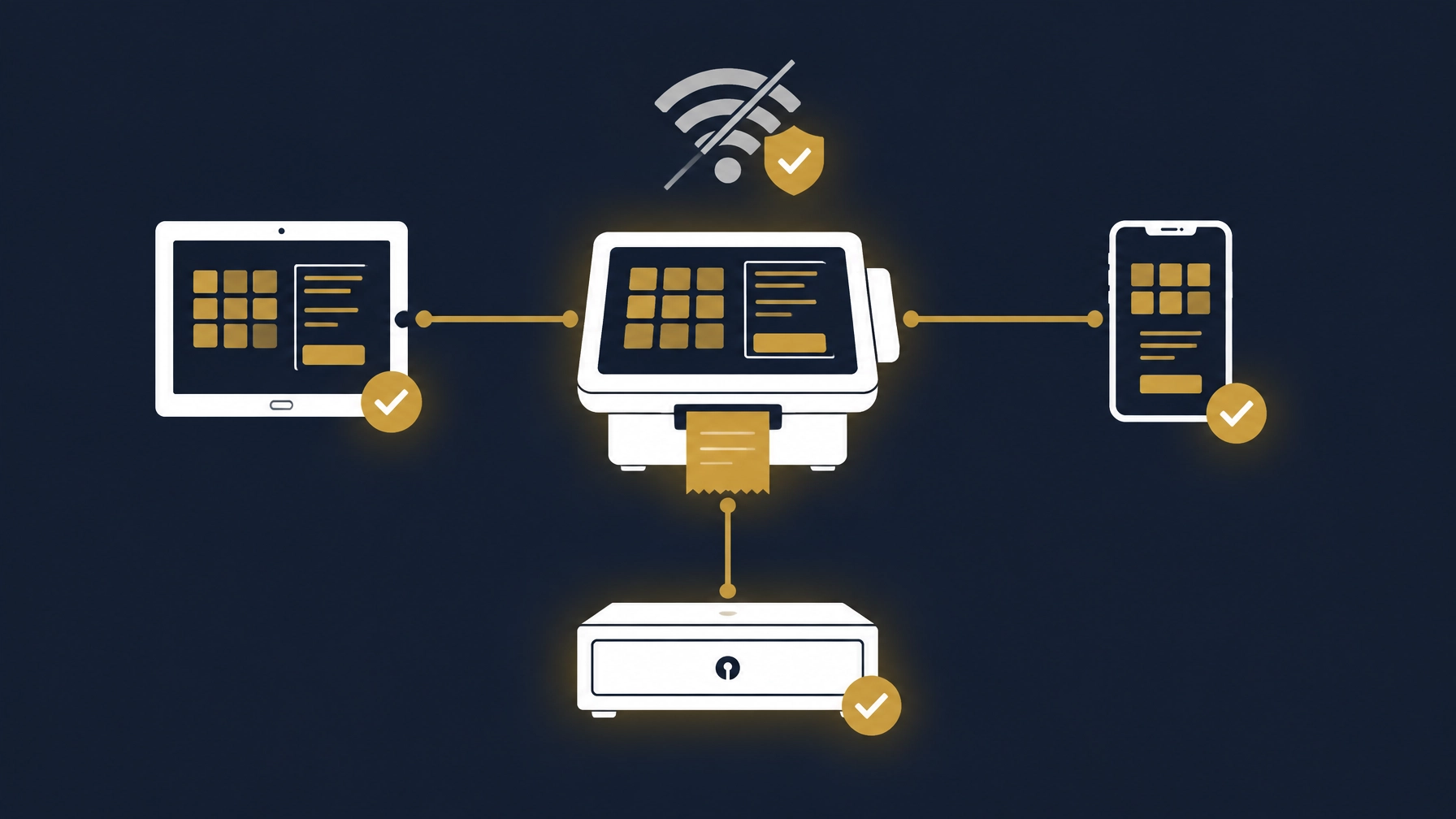
*A conceptual illustration of offline mode, not a product interface or a real screenshot.*
Once you buy: the setup details that decide whether the system works
Choosing a system is half the decision; the other half is how it is set up. These details separate a system that genuinely helps from one that becomes just another connected notebook:
- Item and unit definitions: does the system support your way of naming items and selling units (box, piece, kilo) as you actually use them?
- Permissions: can discounts, price changes and returns be restricted by role? Can activity history be reviewed afterwards? Some systems document custom role setup and permission levels for sales, inventory and reports; see Zoho POS's roles documentation as an example of the detail worth examining.
- Linking to inventory and accounting: when a sale is recorded, does the item balance update automatically? What happens on a cancellation or a return? Does the data reach accounting directly or through a review step? Integration reduces repeated data entry, but it is not a substitute for review; decide who checks differences and how.
- Reports: can you filter by branch, shift, item and payment method? Is export available in a format that suits your accountant or management review?
If reporting is part of your challenge, our guide to organizing Excel data for a monthly management report may help. And if you are weighing a POS against a broader system, see our guide to choosing an ERP or accounting system.
When is a simpler operational fix enough?
Not every shop needs a new point-of-sale system. If the challenge is slow receipt writing or disorganized receipts, reordering the item list or adjusting recording procedures may be enough. But if you re-enter sales manually into stock or accounting records, or run several branches that need a unified view, then studying a link between the point of sale and those processes becomes a logical step.
Start by defining the problem you want to solve, and check whether the current system or workflow can address it with configuration or integration, before assuming the answer is building something new.
How Basetaa helps
Basetaa builds, configures and customizes business systems and integrations around the client's workflow. Basetaa does not own or sell a ready-made, off-the-shelf POS product. The starting point is understanding how the shop sells, manages stock and reviews its records, not assuming that every business needs the same setup.
Depending on the workflow, the right next step might be to configure existing tools, connect systems, or consider a more tailored solution. The scope should make clear what is included and how the relevant shop scenarios will be tested.
Frequently asked questions
What is the difference between a cash register and a POS?
A cash register mainly records checkout transactions. A POS can also connect sales with functions such as inventory, user roles and reporting, depending on the system and its configuration. Check the specific features rather than relying on the label.
Does a small shop need a POS?
Not necessarily. If the current recording method is clear and does not cause delays or difficulty tracking items and sales, there may be no need to change it now. Consider a POS when gathering information or reviewing operations has become complicated, then test it against the shop's real work before deciding.
What changes when POS connects to inventory and accounting?
Sales information can flow into connected stock and accounting processes, reducing repeated entry where the integration supports it. Confirm which records update, what still needs manual review, and how returns or corrections are handled.
How should I test a POS before buying?
Use scenarios from your shop: sales, discounts, returns, shift close, stock counts, internet outages and your actual hardware. Check what works offline, how transactions sync afterwards, and whether staff roles and reports match your needs.
Sources checked
Checked on 11 November 2026. Product documentation describes vendor-specific features; availability and behavior should be verified for your shop and location. Electronic invoicing requirements differ by country; check the official authority in your market.